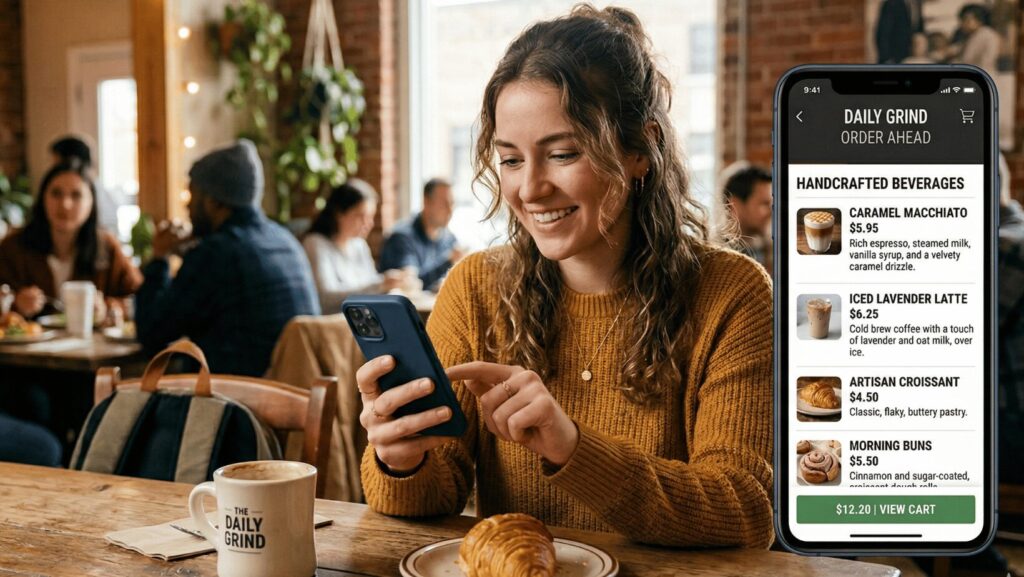
Your online ordering menu can do so much more for you than just list all your restaurant’s dishes.
It can make online ordering easier and faster for your customers. It can simplify your offers and reduce the confusion that results in abandoned carts. And it can encourage higher-value orders with enticing photos and featured bestsellers.
As long as you intentionally build your online ordering menu to optimize for all of those things.
In this blog, we’ll take you through what a strong online ordering menu actually looks like, from organization and categories to photos and descriptions. We’ve also created a quick quiz to help you figure out whether you’re ready to launch your very own app for digital ordering.
Let’s go!
A Quick Note on Collaboration
This blog was written in collaboration with Chloe Woolsey, Director of Customer Experience at Craver.
With ~15 years of experience in quick-service restaurants and extensive knowledge of the hospitality space, Chloe now leads Craver’s Customer Success team, helping our customers launch their own custom restaurant apps.
Guided by Chloe’s years of expertise and in-depth understanding of Craver’s customers, here’s what goes into an online ordering menu that people actually want to use.
7 Tips for Optimizing Your Online Ordering Menu
1. Start with a clear organization
Building a strong online ordering menu starts with clear organization.
That means mapping everything out before you start building the actual menu. What categories will you have? What items will go in each category? How will the items in each category be organized?
One of the easiest ways to do this is by following a simple structure: Category → Item → Modifier. So, for example: “Appetizers” → “Spring Rolls” → “Add Plum Sauce for $1.00.” Start at a high level, then get more specific as you go deeper into each menu item.
2. Don’t overload categories
Another important factor in creating your online menu is keeping the categories lean.
You don’t want to overload your categories, because too many options can slow your customers down and make it harder for them to decide what they want (especially if multiple items are very, very similar).
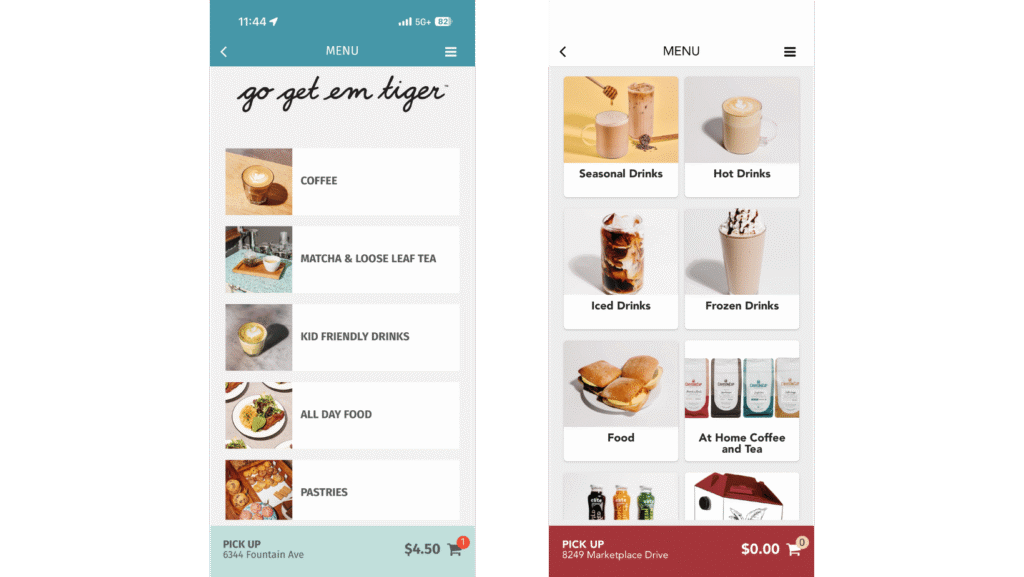
We recommend aiming for no more than 12 items per category to keep things tight and easy to navigate. If you have more than 12 you want to highlight in a specific category, split them into subcategories that make sense. More, better-organized categories > fewer, overloaded ones.
3. Put items in a logical order
Your online ordering menu should also be organized logically, according to how your customers naturally think about dining.
Start with appetizers, then end with desserts. Feature your newest items first, and then launch into your tried-and-trues. Put lighter items (like salads) ahead of heavier items (like pasta).
This also applies to subcategories and modifiers. In a “non-alcoholic beverage” subcategory, for example, soft drinks would come before specialty beverages. Required size selections would also logically come before detailed modifications or customizations. Small changes like this are the key to faster, easier customer decisions.
4. Make your bestsellers easy to find
A good online ordering menu also promotes its bestselling items, front and center.
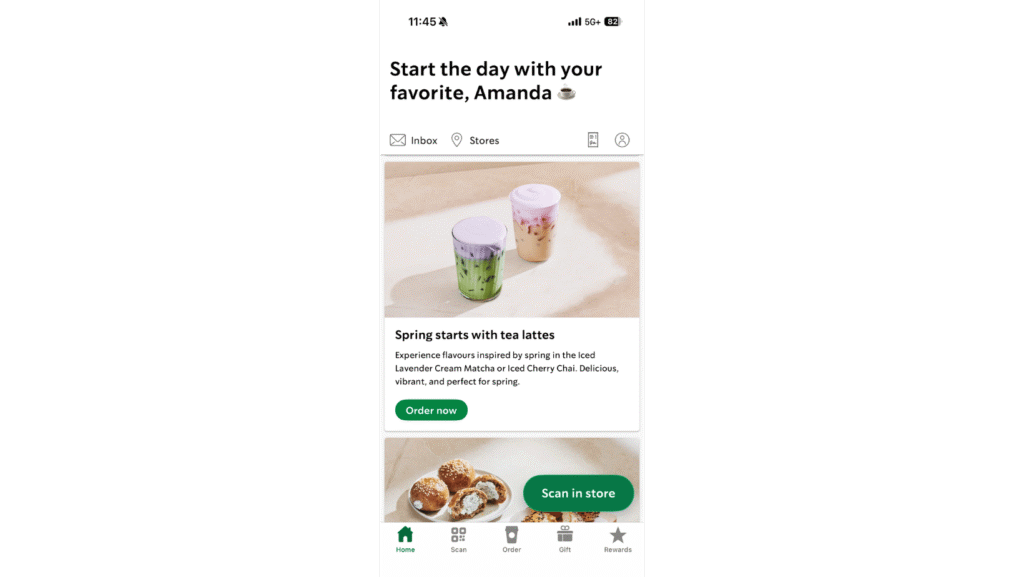
Your most popular (or seasonal) items shouldn’t be buried. Make them easy to find by displaying them at the top of their category, or creating a standalone “bestsellers” or “seasonal picks” grouping to keep them in focus.
The idea behind this is simple: if you want to sell more of an item, make it effortless to find. Nobody should spend 30 minutes searching for anything on your online ordering menu — but especially not your most popular, best-selling items.
→ For more on seasonal picks that earn their place in the spotlight, check out our seasonal menu ideas blog!
5. Use high-quality photos
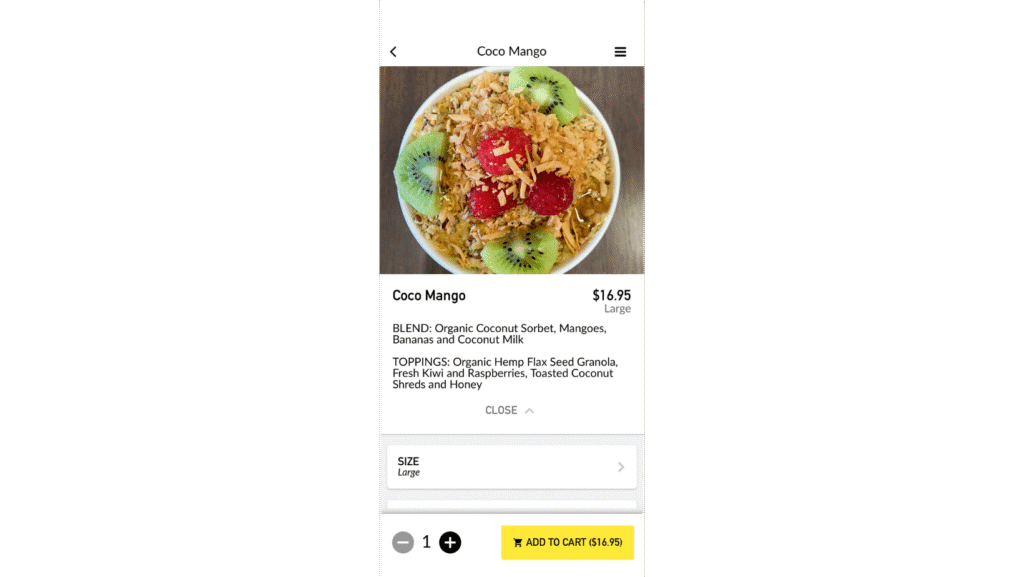
High-quality item photos are another must-have for a good online ordering menu.
Every item should have its own top-notch photo, no matter how big or small. If you’ve got the budget, you can definitely hire a food photographer to do this part for you — but you can take good quality photos by yourself, too.
Using natural lighting, implementing the rule of thirds, and using a consistent editing style are all good ways to make your iPhone photos look professional enough to use on your online ordering menu (and when in doubt, head over to YouTube!).
6. Write clear descriptions
Clear menu item descriptions can also help strengthen your online ordering menu.
A good rule of thumb when writing your menu item’s description is not to assume anything. While you know your menu items like the back of your hand, your customers don’t. Make sure to explain what’s in it, what makes it special, and why people should want to try it.
You can also call out the item’s key ingredients, especially if they’re premium or unique. People want to know that what they’re eating took time, dedication, and thoughtfulness, so tell them!
7. Avoid the “too much” problem
Finally, a good online ordering menu isn’t bogged down by “too much” of everything.
This is important for two main reasons. First, too much information on your online ordering menu means longer load times. Longer load times = worse customer experience = higher likelihood they’ll just leave the page instead of waiting.
Second, if there’s too much on your menu, then nothing really stands out. Too much on one page makes it difficult to draw your customer’s attention to any one thing, because when everything’s lumped together, nothing really looks important — including your bestsellers.
→ For more tips on how to organize your online ordering menu so your shining stars stand out, check out our blog on menu engineering!
Are You Ready for an App?
If you’re ready to improve your online ordering menu and make digital ordering more rewarding for your customers, then you’ve come to the right place.
Craver’s custom-branded apps can offer you and your customers:
- Google food ordering capabilities for local SEO
- Saved payment information and history for easy reordering
- Loyalty programs to reward your most frequent (and loyal) customers
- In-app upsell notification and recommendations to boost average order value
…and more.
Find out whether your restaurant is primed to launch an app with our quiz — “Are You Ready for an App?”
FAQs
You can either create an online ordering system or use a mobile app. For the ordering system, you’ll set up your menu on the website platform you choose. For the mobile app, you’ll set everything up in the app itself.
What makes a good online ordering menu?
A good online ordering menu is clearly organized, logically categorized, not jam-packed with information, and uses high-quality photos and item descriptions to tell customers exactly what they’re getting and why.