On the hunt for the best online ordering system for your restaurant?
We’ve put together a no-nonsense guide to five of the best platforms out there.
Quick Comparison: 5 Best Online Ordering Systems for Restaurants (2026)
| Platform | Best for… | Price (checked Oct 2026) |
| Craver | Branded direct ordering and loyalty | Starts at $99/month per location |
| Square | Small restaurants already using Square POS | POS app is free, credit card processing rate is 2.5%, and hardware starts at $69 |
| Owner | Website capabilities plus automated marketing | Flexible plan: $248/month + 5% fee per order Flat rate: $499/month + no fees |
| ChowNow | Established independents wanting a managed ordering/marketing platform | Starts at $229/month, plus $2.95% + $0.29 per transaction and additional setup fees |
| Toast | Restaurants already committed to Toast POS | Starts at $69/month plus hardware (variable costs) |
How We Compared the Best Restaurant Online Ordering Systems
To pick the industry’s top five restaurant online ordering systems, we compared and contrasted each platform across six different criteria: what the platform is, what it’s best for, pricing, key features, available ordering channels, and pros/cons.
However, before you get too far in our best of the best list, it’s important to remember that what’s best for one restaurant won’t be best for another. We’ve coined each platform the best for different restaurant use cases, because online ordering systems are rarely “one size fits all.”
Let’s get into it.
1. Craver: Best Overall for Branded Online Ordering and Loyalty
What it is
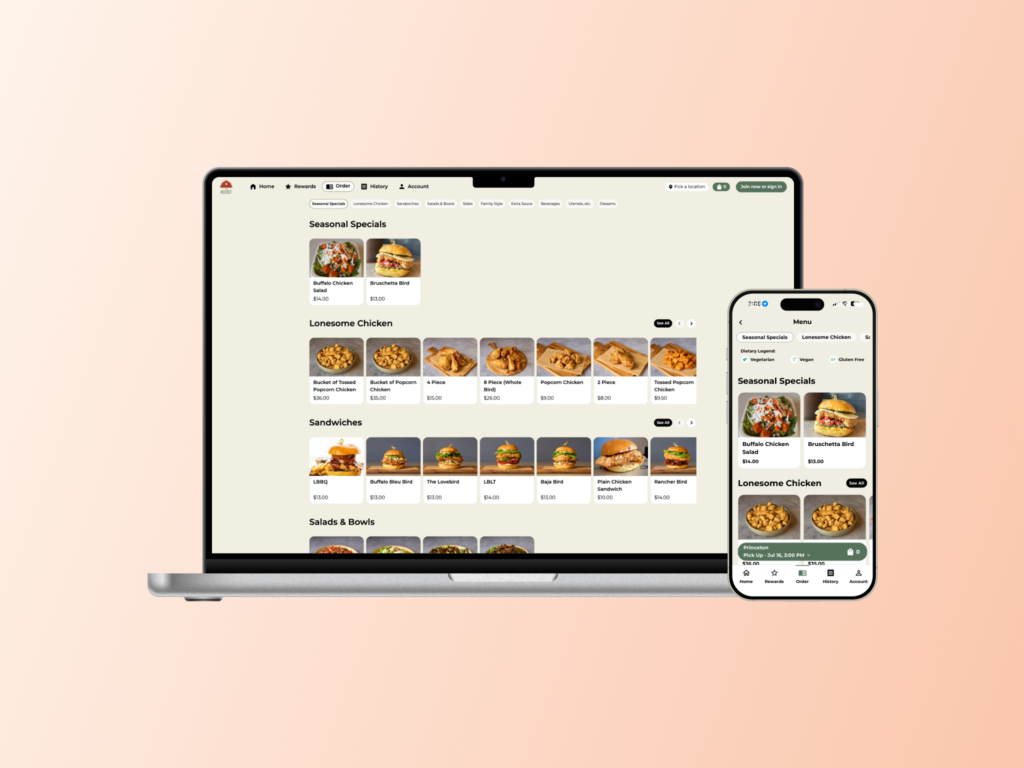
Craver offers online ordering and restaurant mobile apps with robust features, tailored to match your brand.
What it’s best for
- Branded direct ordering and loyalty
Pricing
- $0 one-time set-up costs
- 5% guest fee capped at $2/order
- Monthly contracts from $99/month
- Annual billing gets you two months free
→ Read more about Craver’s pricing here.
Key features
- Features include one-tap reordering, loyalty and rewards, order personalization, and upselling
- Impressive 4.8-star average rating in the App Store and Google Play Store, and a 5-star rating on Square’s Marketplace
- Several seamless POS and delivery integrations, primarily with Square but also other companies including DoorDash, Uber, Google Food Ordering, and more
Ordering channels
- Two ordering channels: custom-branded mobile app and online ordering.
Pros & cons
Pros
✔ Seamless user experience for guests and staff
✔ Zero commissions, fees, set-up costs, or contracts
✔ Easy integration with third-party food delivery services
✔ No need to set up (or pay for) Apple or Google developer accounts
✔ Excellent guest engagement tools like loyalty, one-tap reordering, and order customizations
Cons
✘ Only integrates directly with Square (requires an additional tablet to work with other POS systems)
2. Square: Best for Small Restaurants Already Using Square POS
What it is
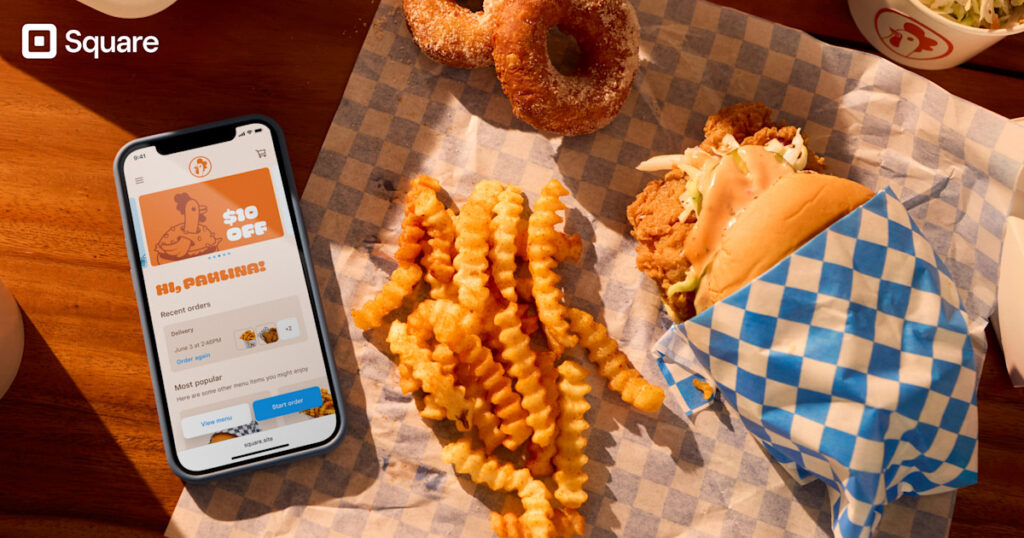
Square offers online ordering that integrates within their broader POS ecosystem.
What it’s best for
Small restaurants already using Square POS
Pricing
- Three different plans: Free ($0/month), Plus ($35/month), or Premium (Custom)
- Additional tools like Square POS are available starting at $0/month up to $60/month
- Processing fees vary based on the card type and whether the card is present
Key features
- Online ordering works with other Square products to simplify the order and fulfilment process
- Customer-friendly process including personalization, three-tap reordering, and the ability to open the site like an app
- Flexible online ordering options from in-person pickup to on-demand delivery using DoorDash couriers (without marketplace commissions)
Ordering channels
- Online ordering only — no mobile app.
Pros & cons
Pros
✔ Seamlessly connects with a wider Square ecosystem for simple integrations
✔ Lots of helpful add-on options, including marketing and loyalty (although they cost extra)
✔ Fast online checkout thanks to Square Pay, Apple Pay, and Google Pay capabilities
✔ You can start with a free plan and upgrade at any time, giving you a chance to try it out without committing
Cons
✘ Forces dependence on Square POS and the wider ecosystem
✘ The more features you need as you grow, the more you’ll have to pay to expand your plan
3. Owner: Best for Restaurant Websites and Automated Marketing
What it is
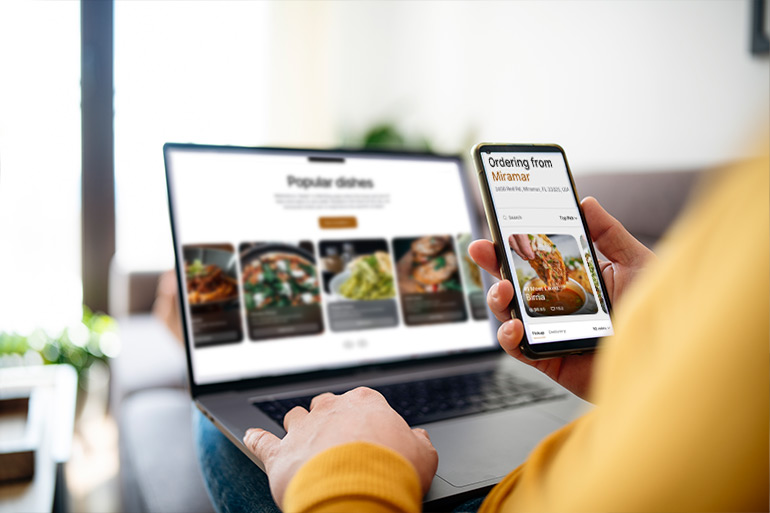
- Owner offers online ordering and mobile apps “built to grow your direct orders.”
What it’s best for
- Website capabilities plus automated marketing
Pricing
- Two plans: Flexible ($249/month + 5% restaurant fee/order) or Flat Rate ($499/month + no restaurant fees), both of which include online ordering and mobile apps
- Option to pay month-to-month without any long-term contracts
Key features
- AI-powered, automated marketing that helps your restaurant reach the customers most likely to order
- Website SEO that gets your brand seen online with AI-optimized updates and hands-off updates led by Owner
- Loyalty and rewards that encourage customers to come back, are easy for people to use, and are easy to set up on the back end
Ordering channels
- Two ordering channels: branded mobile app and online ordering.
Pros & cons
Pros
✔ Includes SEO support for better Google visibility and expanded reach
✔ Integration with several popular ecosystems, including Clover and Square
✔ Marketing features like email and push notifications are included in every plan
✔ Chargeback protection and 24/7 customer service that keep you feeling supported
Cons
✘ More expensive per month than most online ordering options
✘ Heavily marketing-focused, which not every restaurant needs support with
4. ChowNow: Best for Established Independent Restaurants Wanting Managed Support
What it is
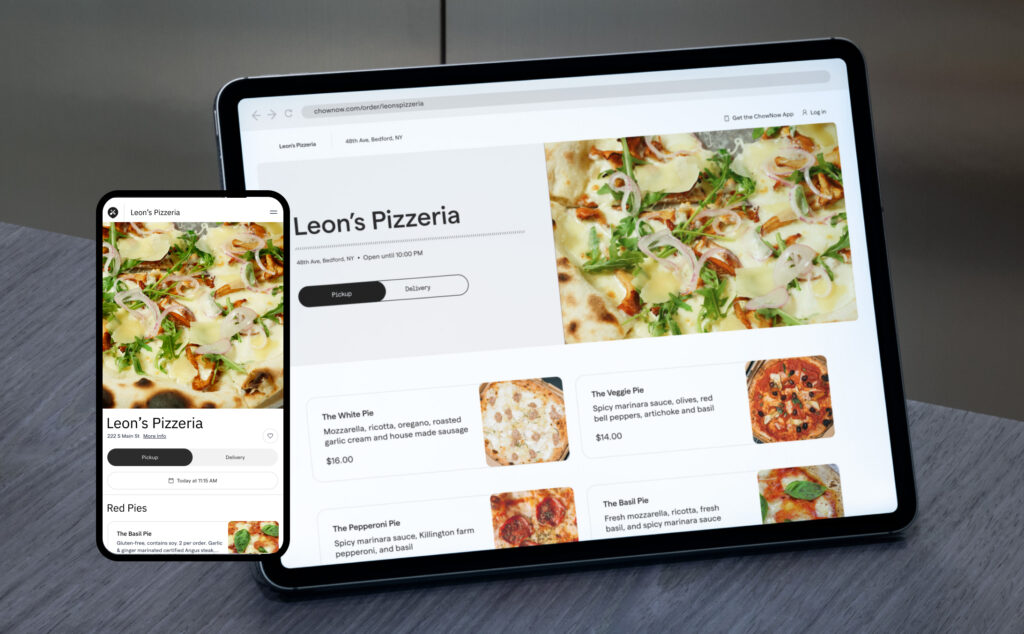
- ChowNow offers online ordering and mobile apps specifically for independent restaurants.
What it’s best for
- Established independents wanting a managed ordering/marketing platform
Pricing
- Three plans: Launch ($249/month), Grow ($349/month), and Elevate ($449/month)
- Plans are slightly cheaper when you bill annually vs. monthly
- All plans are subject to additional fees, including setup fees starting at $119, annual Apple developer fees of $99, and $2.95% + $0.29 per transaction
Key features
- A suite of marketing features that include email and SMS, automated campaigns, and loyalty and rewards programs
- Simple integration with POS systems as well as centralized menu management and a single performance dashboard for all channels
- Access to a “discovery network” including Google and Yelp and delivery management makes it easier to reach new, interested parties
Ordering channels
- Two ordering channels: branded mobile app and online ordering.
Pros & cons
Pros
✔ Unlimited commission-free online ordering, including through the mobile app
✔ Can be used with existing POS ecosystems including Toast, Square, Clover, and more
✔ Your restaurant owns 100% of your customer data, and ChowNow can use it to guide marketing
✔ The partnership is mostly managed by ChowNow, which can be good for established independents that want time back
Cons
✘ More expensive per month than most online ordering options
✘ Additional fees and setup costs are higher than other platforms
5. Toast: Best for Restaurants Already Using Toast POS
What it is
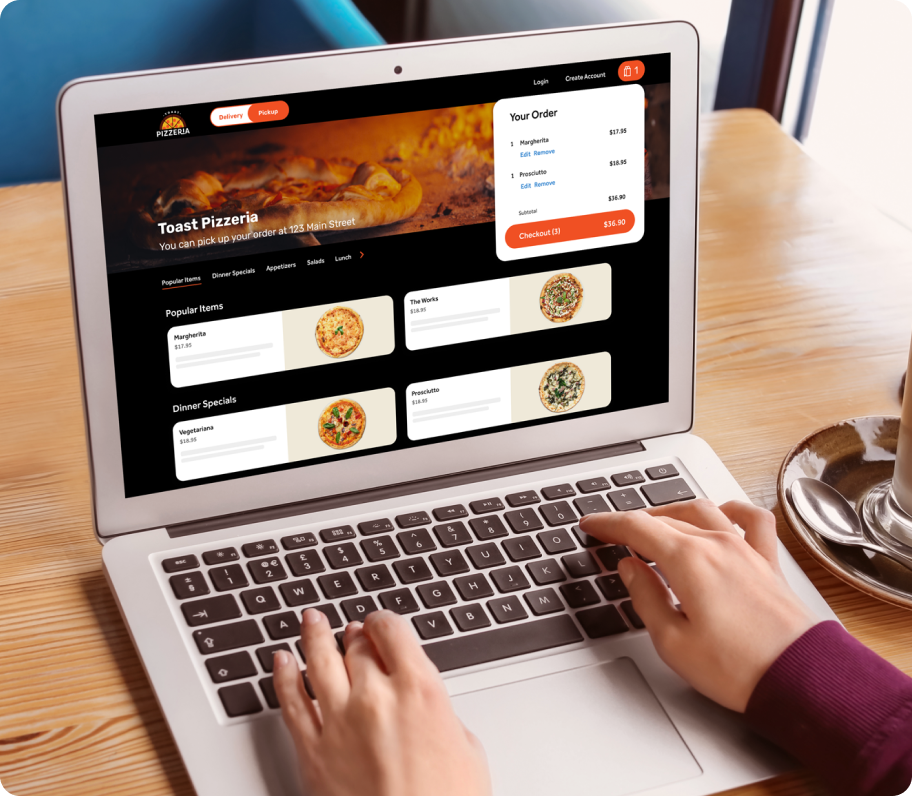
- Toast offers online ordering that integrates within their broader POS ecosystem.
What it’s best for
- Restaurants already committed to Toast POS
Pricing
- Toast online ordering is only available as an add-on to either the Starter Kit (starting at $0/month) or the Point of Sale Kit (starting at $69/month)
- There are also upfront costs that include hardware and implementation, and the price is package- and restaurant-dependent
Key features
- Commission-free online ordering that helps restaurants keep more of their money
- Seamless restaurant POS integration that simplifies workflows, maintains order accuracy, and keeps things organized
- Customizable pages that make online ordering easy, including a multi-location picker, popular item highlights, and payment with Apple Pay
Ordering channels
- Online ordering only — no mobile app.
Pros & cons
Pros
✔ 24/7 customer care is included in every package
✔ Zero commissions and totally customizable monthly plans
✔ Incredibly easy to integrate if you’re already using Toast’s POS ecosystem
✔ Completely customizable so your online ordering platform looks and feels like you
Cons
✘ Can’t be used on its own outside of Toast’s POS ecosystem
✘ Exclusively an add-on feature; isn’t included in any existing plans
How to Choose the Right Online Ordering System for Your Restaurant
Choosing the right online ordering system for your restaurant can feel like a daunting task, especially when there are so many options with so many benefits.
The best way to determine the best ordering system for your restaurant is to figure out what you realistically want and need from online ordering, beyond just a monthly price that fits in your budget.
Here’s what to consider when choosing the right online ordering system for you.
Compare the total cost per order, not just the monthly price
A platform’s monthly price might look like it fits within your budget… but then the setup and payment processing fees push the bill way farther than you originally thought.
The best way to determine whether an online ordering system makes financial sense for your restaurant is to consider the total cost per order for your restaurant’s volume.
For example, say the system you’re considering charges $200/month + 3% per transaction.
If you’re only doing a low number of orders per month, that 3% transaction fee won’t make a huge difference to your financials. But if you have an unexpectedly busy month, that 3% fee adds up fast — and it may take your monthly fee from “reasonable” to “unaffordable.”
Always look at the total cost per order (including the monthly price) before deciding an online ordering system is or isn’t right for your business.
Check POS, menu, payment, pickup, and delivery compatibility
Another way to ensure an online ordering system is right for you is to check how compatible it is with the systems you’re already using.
While adding any new technology to your mix requires a little bit of flexibility, the right online ordering system won’t make you completely reinvent the wheel on the systems you’re already using and enjoying.
So, before committing to any online ordering platform, ask yourself:
- Do you need new hardware to use it?
- Does it integrate with your native POS system?
- Can you use your existing payment processor?
- Can you use your existing delivery system with it?
- Does it offer the menu/inventory syncing you need?
- Does it work with your kitchen display system/back-of-house systems?
If an online ordering system or mobile app makes you replace your entire existing infrastructure, then it’s not the right one for you.
Evaluate branding, loyalty, customer data, and multi-location growth
For restaurants of all sizes, owning the customer relationship is incredibly important.
It can help you drive adoption, encourage repeat orders, and build loyalty, all driven by real customer data you can access whenever you want — and you need an online ordering platform that supports that.
Consider whether the platform you’re considering offers growth-minded features, like:
- Loyalty and reward capabilities
- A branded website and mobile app
- Push notifications and email/SMS marketing
- First-party customer profiles and analytics capabilities
- Location-specific menus and a centralized management dashboard
If the platform you’re considering does offer these features, figure out if they’re included with every plan tier, or if they’re add-ons you’ll have to account for. These extra features (and the extra prices they may come with) can make or break a platform as the right one for you, especially from a budgeting point of view.
FAQs
An online ordering system lets guests browse your menu, place orders, and pay ahead through your website, a mobile app, or both. Orders flow straight to your POS or kitchen display, so staff don’t have to re-key anything. The best systems also handle pickup times, modifiers, and order-ready notifications, and many add loyalty and marketing tools that bring guests back.
The best system for a small restaurant connects directly to the POS you already use, is quick to set up, and keeps your brand and guest data in your hands. Small operators rarely have time to manage a separate tablet or reconcile two systems. Start with POS compatibility, then compare fees, branding options, and whether loyalty is built in or a paid add-on.
Some POS providers include a basic online ordering page at no monthly cost, usually with per-transaction processing fees and limited branding. Free plans work for testing demand. Restaurants that want a custom-branded app, loyalty, or guest marketing generally need a paid plan. Check what “free” covers before signing up: processing rates, delivery fees, and add-ons are where costs tend to show up.
Not always. Direct ordering systems avoid the 15–30% commissions charged by third-party marketplaces, but most charge something: a monthly subscription, a per-order fee, a small percentage, or a mix. Card processing fees apply regardless. The useful question isn’t “is it commission-free?” but “what’s my total cost per order compared with the marketplaces?” For most independents, direct ordering comes out well ahead.
Web ordering is enough to start taking orders online. A branded mobile app pays off once you have regulars. Apps keep your brand on a guest’s home screen, support push notifications, and make loyalty and reordering faster, which raises visit frequency. Coffee shops and quick-service restaurants with daily or weekly regulars tend to see the biggest gains from an app.
Most major online ordering platforms integrate with at least one POS, but depth varies. Some sync menus, inventory, and payments automatically, while others need manual menu updates or a separate tablet. Before choosing, confirm the system supports your specific POS and syncs menu changes, item availability, and payments in real time. Craver, for example, is built natively on Square, so orders, menus, and payments stay in one place.
Yes, most support both. Pickup is standard, usually with scheduled times and order-ready notifications. Delivery is handled through your own drivers or on-demand courier services such as DoorDash Drive or Uber Direct, which let you offer delivery on your own channel without marketplace commissions. Check whether delivery fees are passed to guests or absorbed by you.
Costs typically range from free (with processing fees) to a few hundred dollars per month, depending on features. Pricing models include flat monthly subscriptions, per-order fees, percentage-based fees, or a combination. Branded mobile apps, loyalty programs, and marketing tools usually sit in higher tiers. Compare total monthly cost at your actual order volume, not just the headline price.

One complete package with everything you need.
Book a quick demo before you sign up. We'll walk you through everything and answer your questions.
Book a DemoWhat's included
- Custom-branded app
- Custom-branded web ordering site
- Square POS integration
- White-label delivery integration
- Unlimited push notifications
- Apple & Google Pay
- Discounts & coupons
- Scheduled inventory restock
- Location-specific menu & inventory
- +20 more features
Turn your regulars into members. Your guests pay a fixed, recurring fee in exchange for access to exclusive perks.
Your Plan
Confirm your plan
One complete package with everything you need.
Your Plan
5% guest fee, capped at $2 per order.
By continuing, you agree to Craver’s Terms and Privacy Policy.