Step 1: Onboarding Form
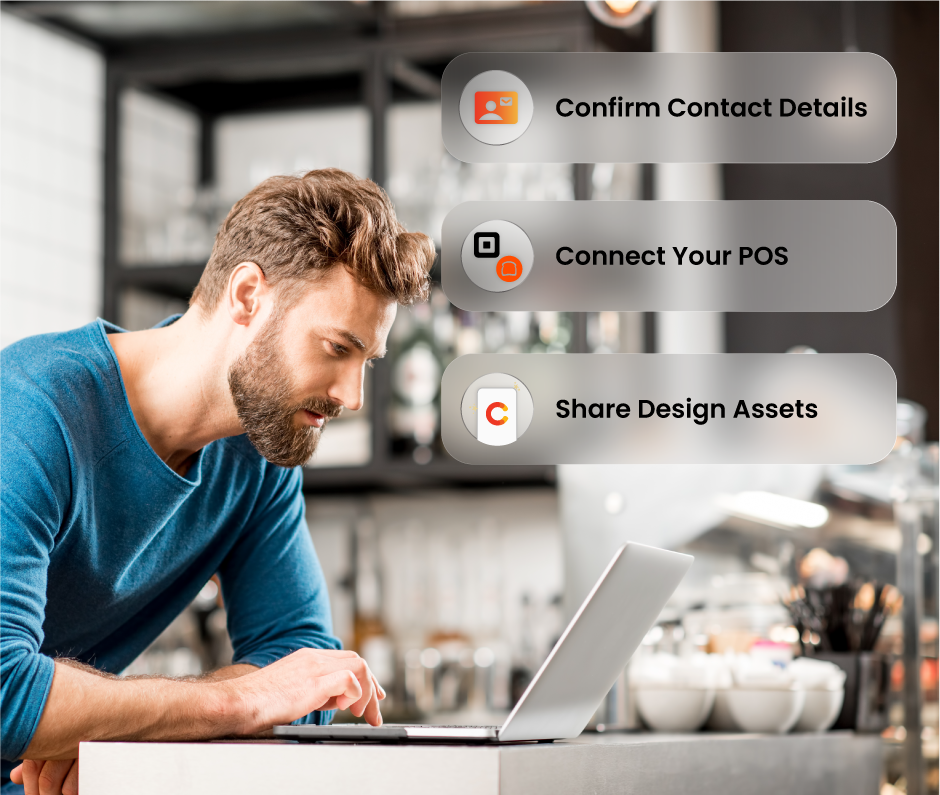
Share your contact details and brand assets, and connect your POS—and we’ll create a few app mockups that match your brand perfectly.
- Time commitment: 5 mins
- Actions: Complete your onboarding form
Step 2: App Design & Feature Selection
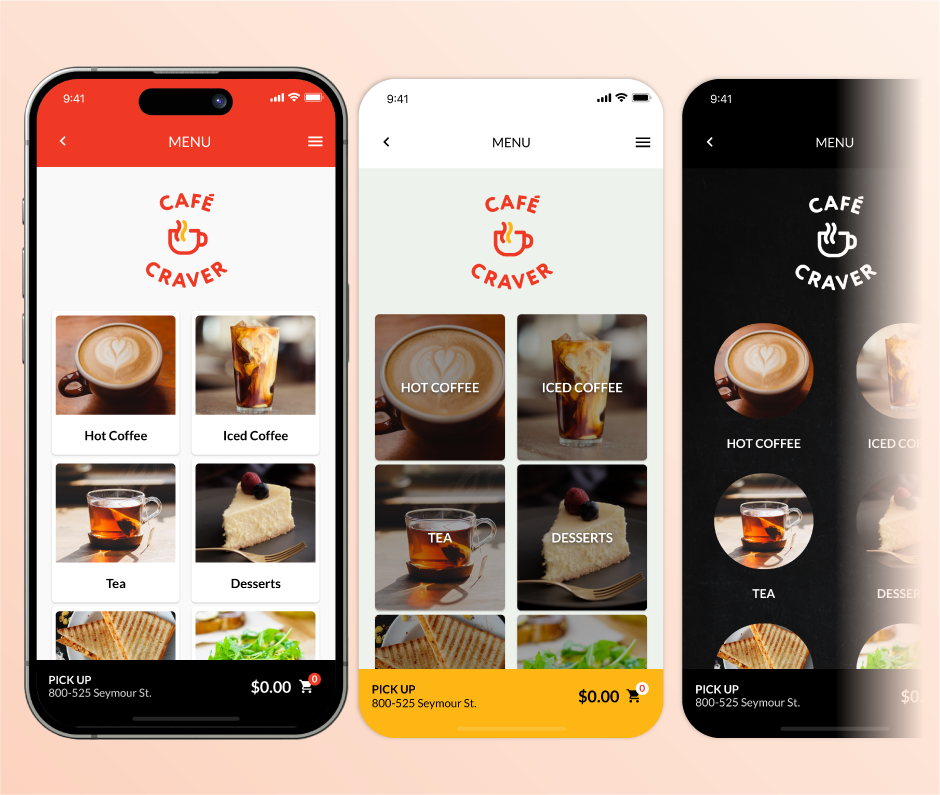
Once you complete the onboarding form, we’ll send you three app designs to review. Then, we’ll have a call to finalize your app design and select your features.
- Time Commitment: 1-2 hours
- Actions: Book a call
Step 3: App Build
We build your app and share it in private mode. It’s not live yet—this is your chance to give feedback.
- Time Commitment: None
- Actions: None

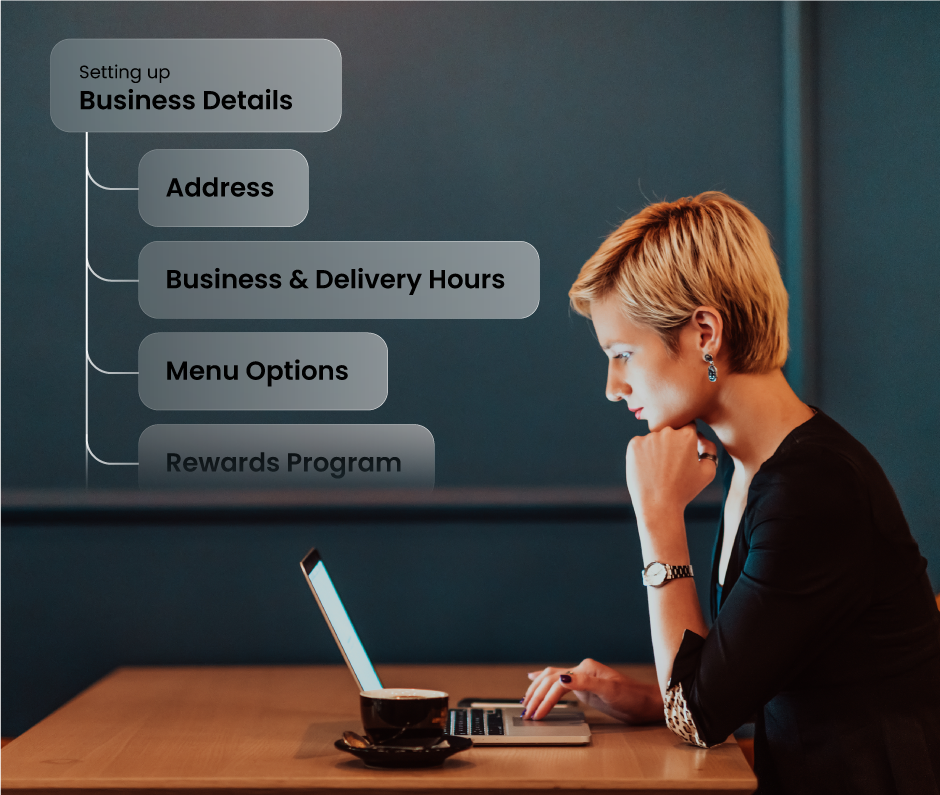
Step 4: Merchant Portal Training
We’ll walk you through the Merchant Portal and answer your questions. Then you’ll test it out and fine‑tune your app settings to make sure everything’s just right.
- Time Commitment: 2 hours
- Actions: Adjust your app settings
Step 5: Menu Editing
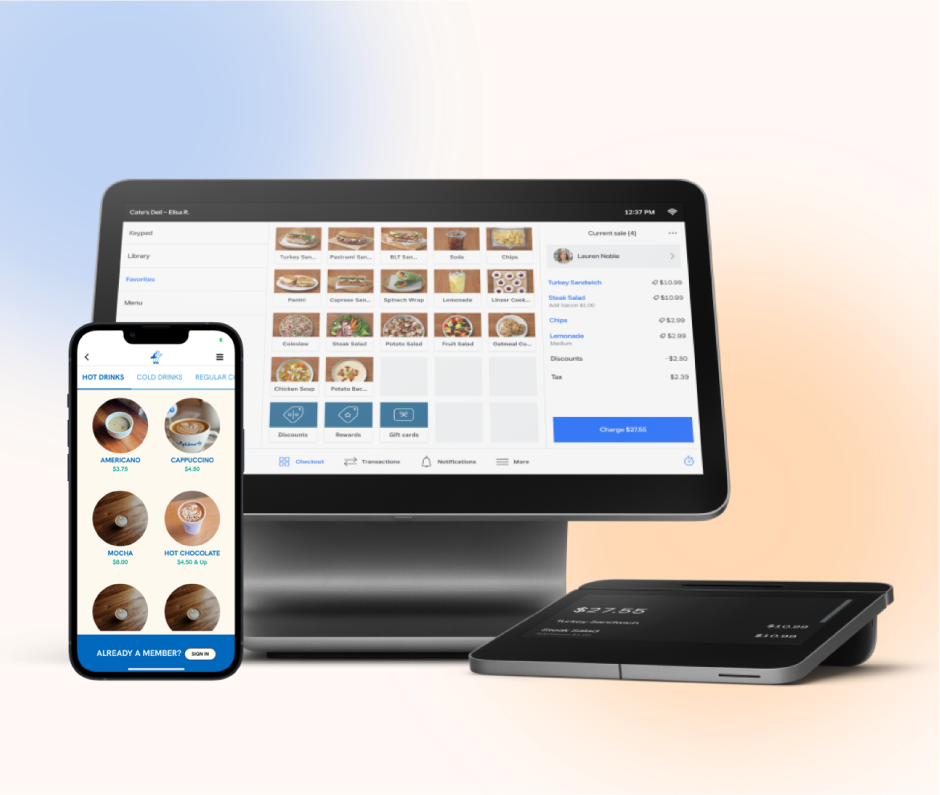
Your menu structure, items, and images are pulled directly from your POS, so it’s important they’re set up clearly and customer‑friendly. Place a few test orders to make sure your team knows exactly how it all works.
- Time Commitment: 5-10 hours
- Actions: Prep your menu
Step 6: App Launch
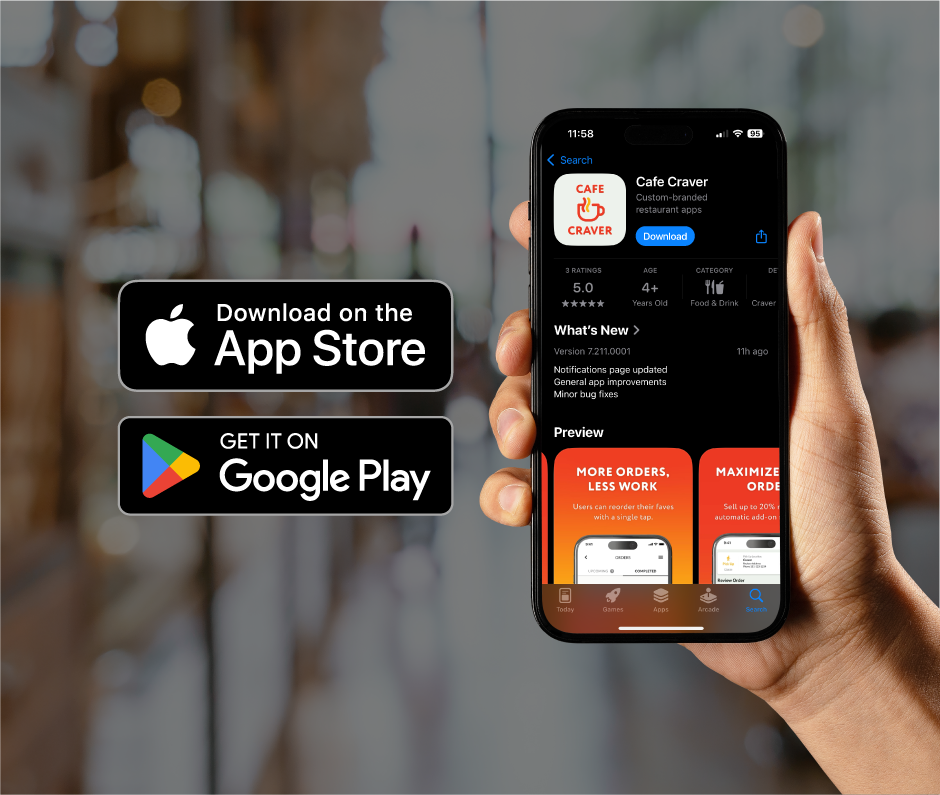
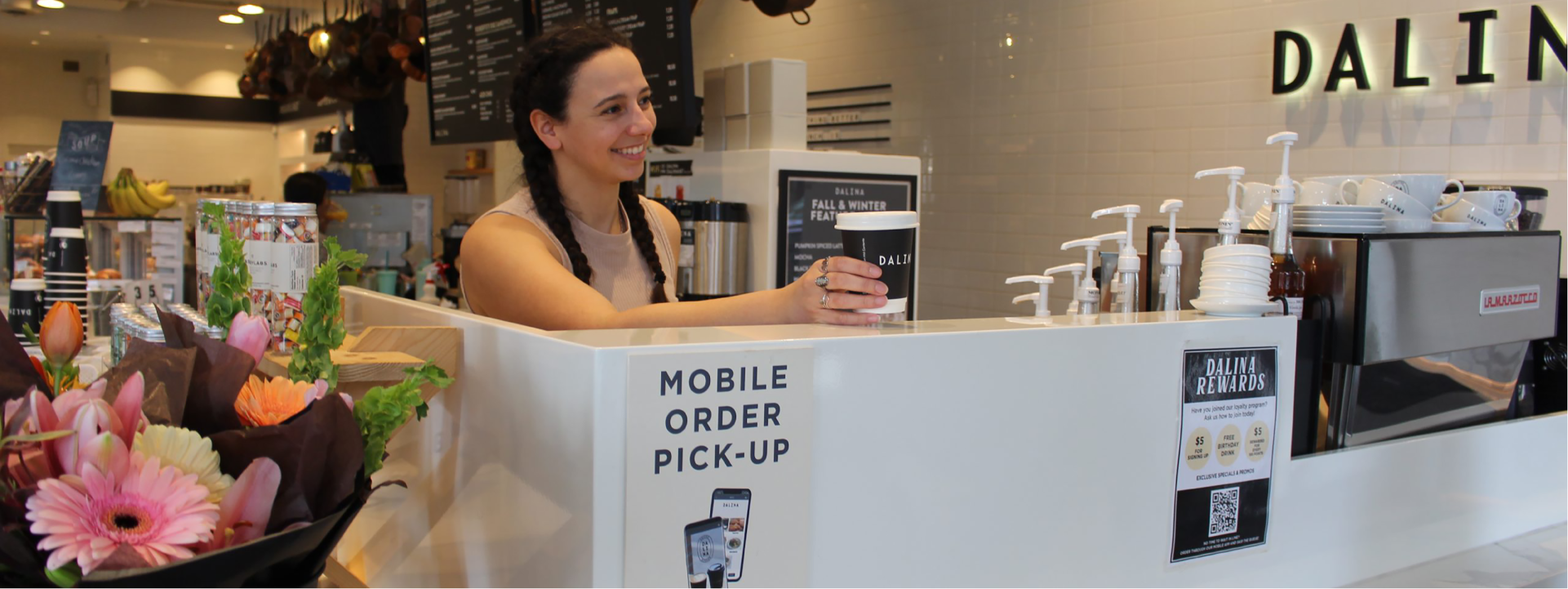
Once your app is approved by Apple and Google, we’ll publish it live! In the meantime, get ready for launch by printing your in‑store materials, planning social posts, and spreading the word.
- Time Commitment: 2-5 hours
- Actions: Prepare your launch campaign